Understanding AI Crawlers and the Access Decisions They Force

Shalin Siriwardhana

Summary

A practical view on Understanding AI Crawlers and the Access Decisions They Force, focused on the signal to inspect, the risk to avoid, and the decision it should change.

Understanding AI Crawlers and the Access Decisions They Force

The Hidden Workforce Behind Digital Visibility
necessary ai crawlers
Credit: original article.
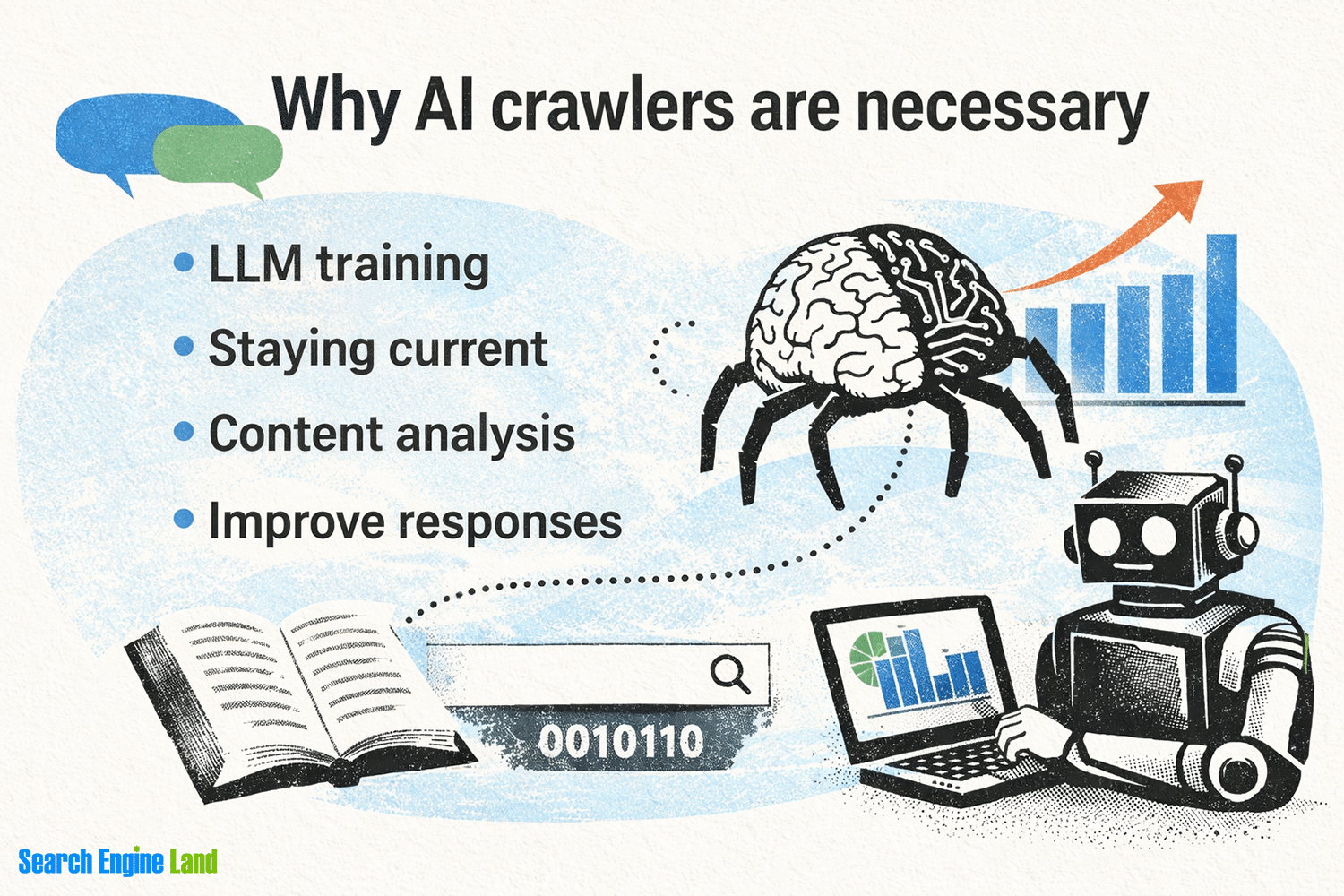
In the quiet hum of the internet, AI crawlers and bots are working tirelessly to shape how information is discovered, indexed, and shared. These automated systems are no longer just tools for search engines, they're becoming critical players in the digital ecosystem. Whether you're a content creator, SEO specialist, or website owner, understanding their role is essential. They influence everything from search rankings to user engagement, and their behavior can determine how your content is perceived and accessed. This isn't just about technicalities; it's about visibility in an increasingly algorithm driven world.

What Do AI Crawlers Do and Why Are They Important?

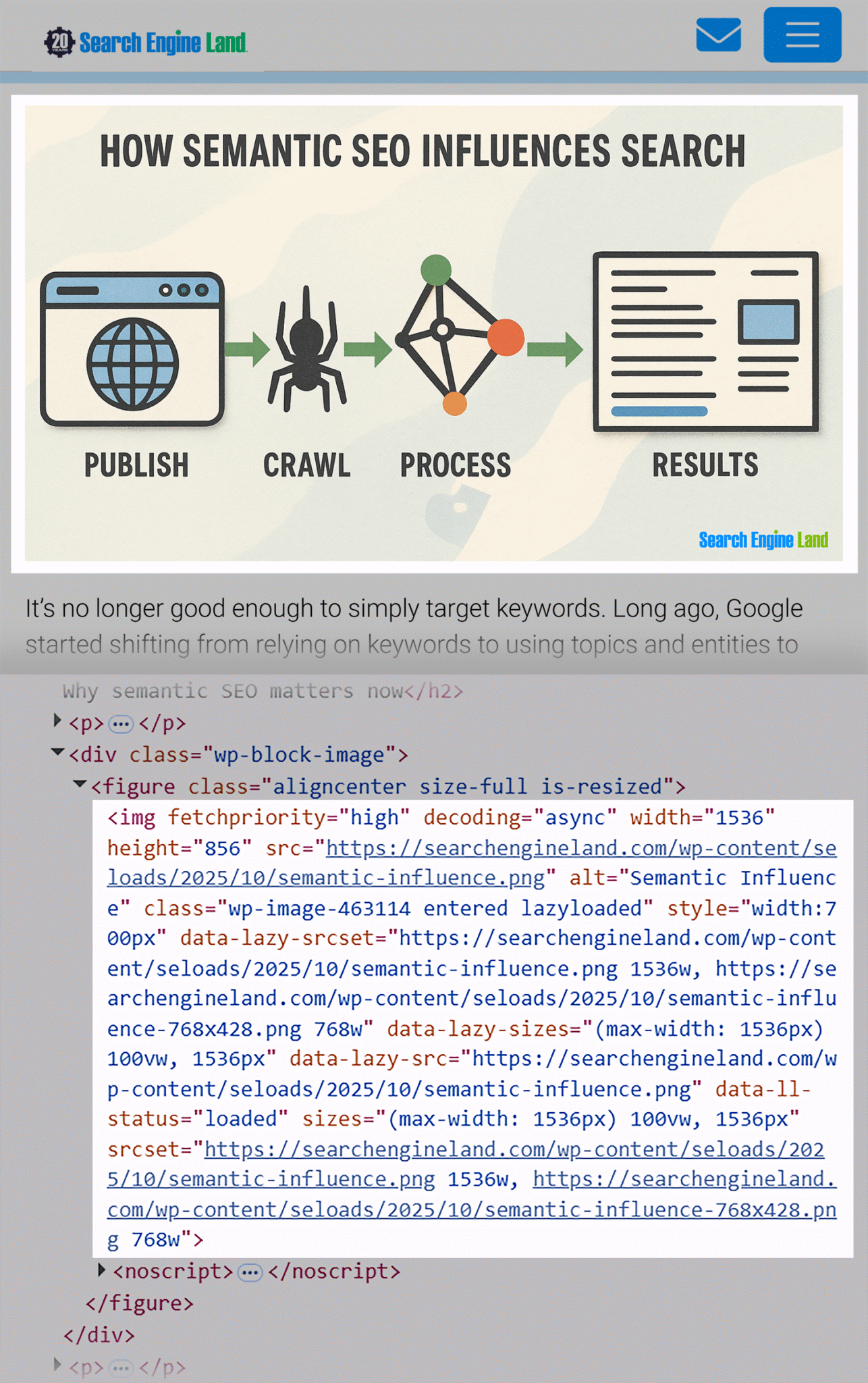
searchengineland areas of content on the page
Credit: original article.
AI crawlers are automated systems that systematically traverse the web to gather data, analyze content, and build indexes. Unlike traditional crawlers used by search engines, modern AI crawlers use machine learning to understand context, intent, and even user behavior. They can process vast amounts of data in real time, identifying patterns and trends that would be impossible for humans to detect manually. Their importance lies in their ability to bridge the gap between raw data and actionable insights. For example, an AI crawler might analyze how a particular keyword is used across millions of pages to determine its relevance, or it could track how user interactions with content evolve over time. This data is invaluable for optimizing content strategies, improving user experience, and even predicting market trends.

Do AI Tools Crawl Websites or Rely on LLMs?

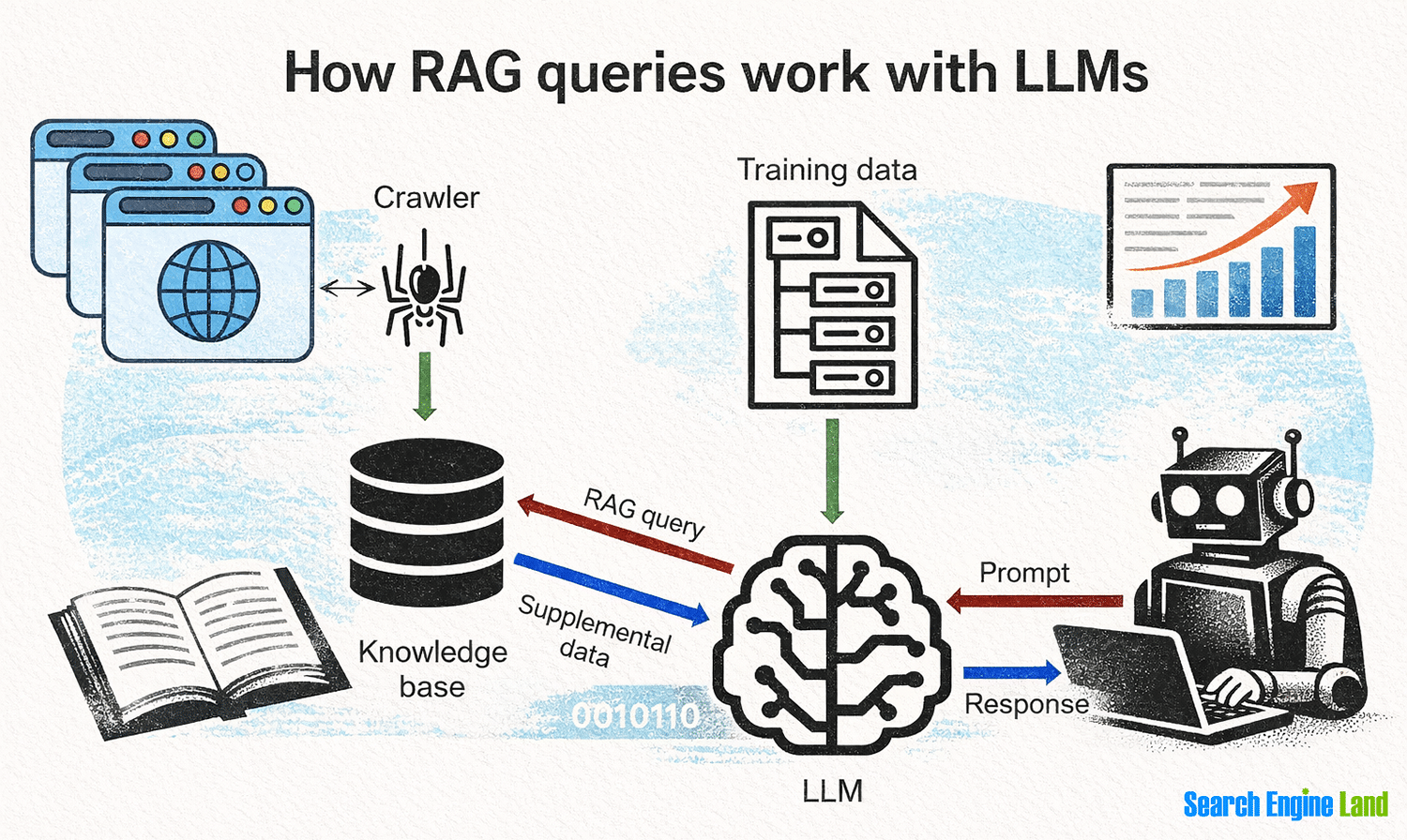
This is a common point of confusion: do AI tools like chatbots or content generators actually crawl websites, or do they rely on large language models (LLMs) to generate responses? The answer is nuanced. While some AI tools do use crawlers to gather data, many rely on pre trained LLMs to generate content, answer questions, or simulate user interactions. For instance, a chatbot might not crawl a website to find answers but instead use its training data to provide responses. However, the line between these two approaches is blurring. Some advanced systems combine both methods: using crawlers to collect fresh data and LLMs to process and contextualize it. This hybrid approach allows for more dynamic and accurate results. For example, a content recommendation engine might crawl recent articles to suggest new topics, while an LLM ensures the recommendations are relevant to the user's interests.

User Agent Names of Popular AI Crawlers

sel guide semantic seo video transcript
Credit: original article.
sel guide semantic seo image inspected scaled
Credit: original article.
Identifying AI crawlers matters for managing how your website interacts with them. Most crawlers use unique user agent strings to identify themselves. For example, Google's crawler is known as `Googlebot`, while Bing's is `Bingbot`. AI specific crawlers often have distinct identifiers, such as `ai crawler/1.0` or `llm robot/2.3`. These strings can be found in the `User Agent` header of HTTP requests. Understanding these identifiers helps you configure your `robots.txt` file or use tools like Google Search Console to monitor crawler activity. However, not all AI crawlers are transparent. Some may use generic or misleading user agent names, making it harder to distinguish them from regular bots. This is why tools like `ai.txt` or `llms.txt` are gaining traction as standardized ways to declare AI crawler behavior.

Should You Block AI Crawlers?

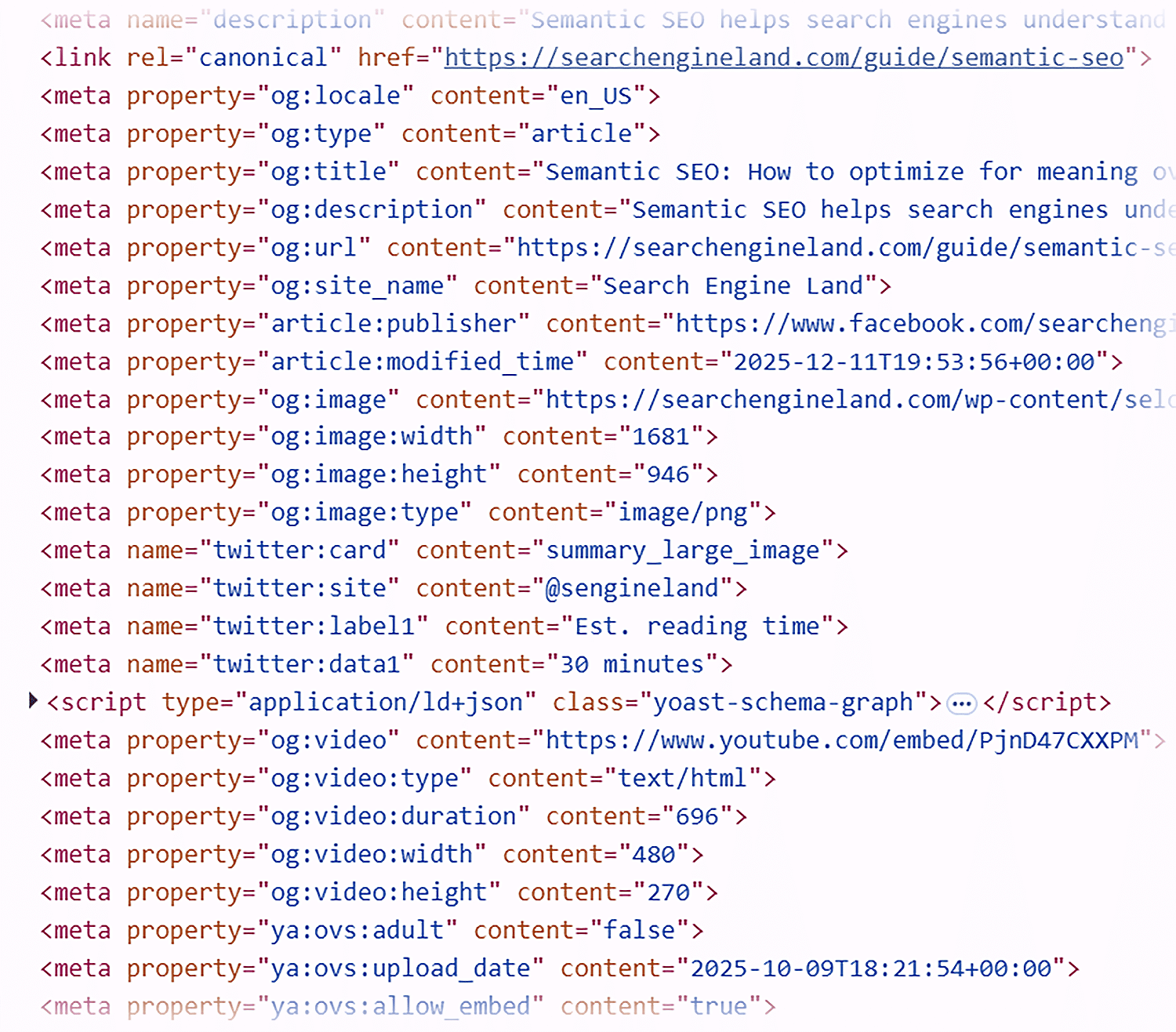
semantic seo guide html source
Credit: original article.
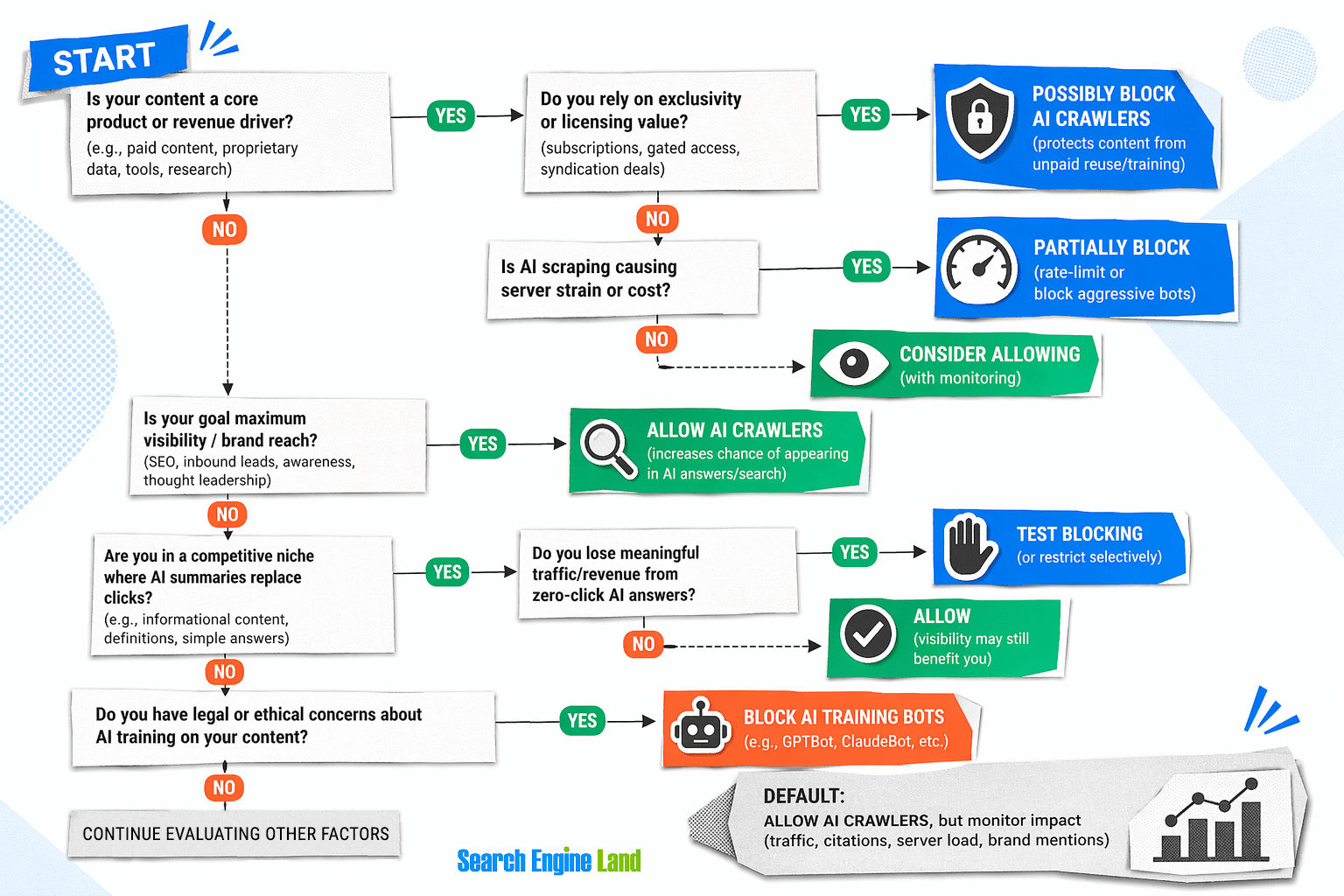
Blocking AI crawlers is a contentious issue. On one hand, excessive crawling can strain server resources, especially for smaller websites. On the other hand, many AI crawlers are designed to be efficient and respectful of website policies. The key is to strike a balance. If you're concerned about resource usage, you can use `robots.txt` to limit crawling to specific directories or set crawl delays. However, not all crawlers adhere to these rules, so it's important to monitor their activity. For websites that rely on AI for content discovery or analysis, blocking crawlers might limit their ability to gather data. In such cases, it's better to configure your site to allow crawling while setting reasonable limits. Tools like `ai.txt` can help by explicitly declaring which AI crawlers are allowed to access your site, ensuring transparency and reducing the risk of misuse.

Emerging Standards for AI Crawlers

As AI crawlers become more prevalent, new standards are emerging to govern their behavior. One such standard is the `ai.txt` file, which functions similarly to `robots.txt` but is specifically designed for AI crawlers. This file allows website owners to specify which AI systems are permitted to crawl their content and under what conditions. Another emerging standard is the `llms.txt` file, which addresses the unique needs of large language models and their data requirements. These standards are still in development, but they represent a significant step toward creating a more transparent and regulated environment for AI crawlers. By adopting these standards, website owners can ensure their content is accessed responsibly while protecting their resources from misuse. It's also worth noting that some search engines and platforms are beginning to integrate these standards into their platforms, signaling a shift toward more structured AI crawler management.

Spam Crawlers and How to Detect Them

Not all AI crawlers are created equal. While many are designed for legitimate purposes, others are used for spamming, scraping, or even malicious activities. These spam crawlers often mimic legitimate bots but operate with little regard for website policies. They can overload servers, steal data, or even inject harmful content into your site. Detecting spam crawlers requires a combination of technical and analytical approaches. Monitoring server logs for unusual activity, such as excessive requests or repeated access to the same pages, can help identify suspicious behavior. Tools like Google Search Console or third party crawler analytics platforms can also provide insights into crawler patterns. implementing CAPTCHA or rate limiting measures can deter automated bots from overloading your site.

The Future of AI Crawlers and Their Impact on SEO

As AI crawlers evolve, their impact on SEO will continue to grow. Search engines are already experimenting with AI driven crawling techniques to improve the relevance and quality of search results. For example, Google's recent updates to its search algorithms have incorporated AI to better understand user intent and provide more accurate answers. This means that websites that optimize for AI crawlers may see improved visibility and engagement. However, the rise of AI crawlers also presents challenges. Website owners must adapt to new standards, manage resource usage, and ensure their content is accessible to these systems. The key to success lies in staying informed, experimenting with different strategies, and continuously refining your approach. By understanding the role of AI crawlers in the digital landscape, you can position your website for long term visibility and growth.

Conclusion: Embrace the AI Crawlers, Adapt to Their Influence
rag queries
Credit: original article.
AI crawlers and bots are no longer just background processes, they're shaping the future of how we interact with the web. Whether you're optimizing for search engines, managing content distribution, or protecting your website from misuse, understanding their behavior is essential. By adopting best practices, leveraging emerging standards, and staying proactive, you can ensure your website remains visible, secure, and effective in an increasingly automated world. The digital landscape is changing, and those who adapt will thrive.

Practical next steps

The useful part is not only the idea itself, but the operating habit behind it. Use it as a checklist for decisions: what deserves attention now, what should be monitored, what needs a stronger evidence base, and what can wait until the system has more scale.

decision tree 1
Credit: original article.
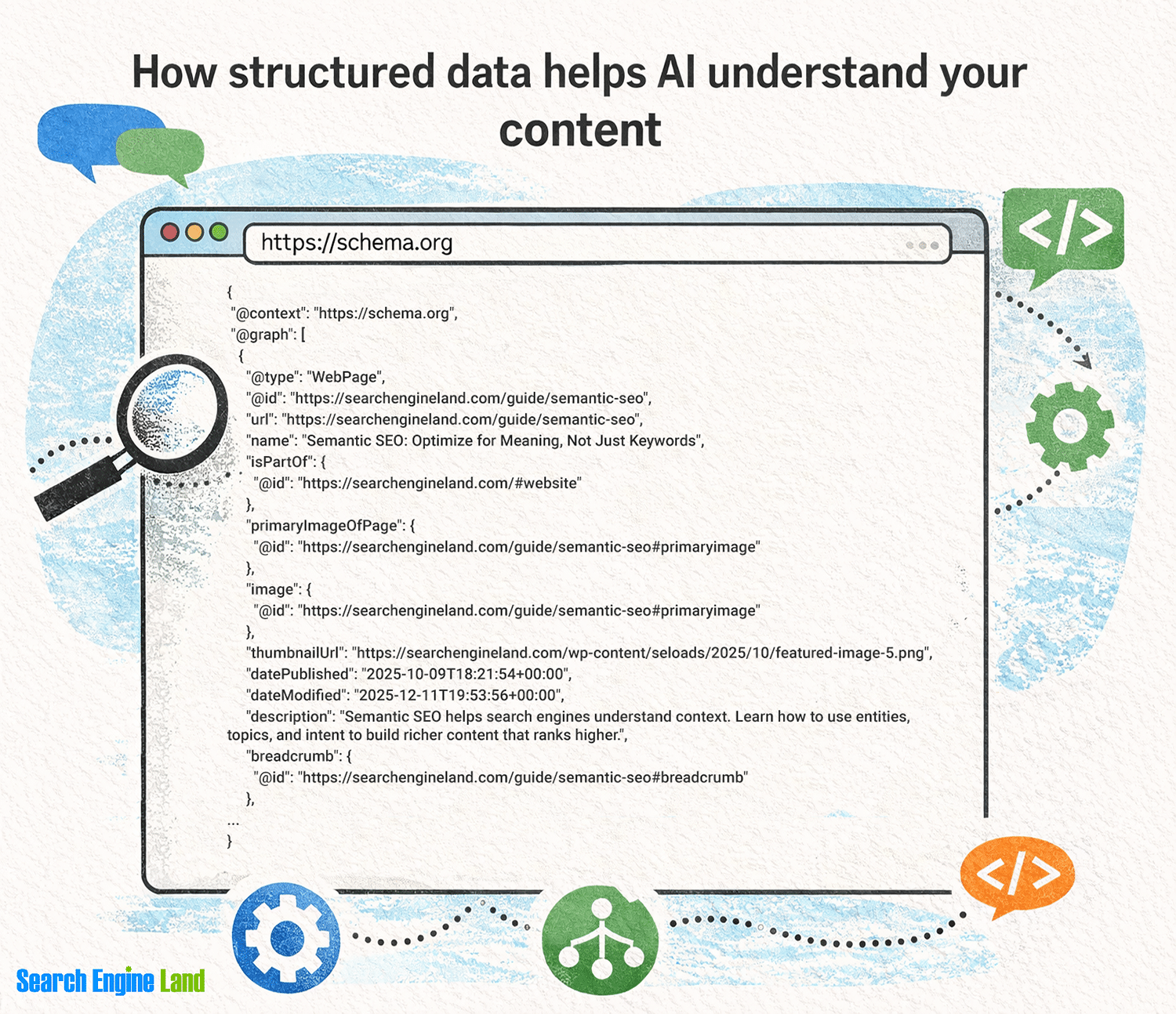
schema
Credit: original article.
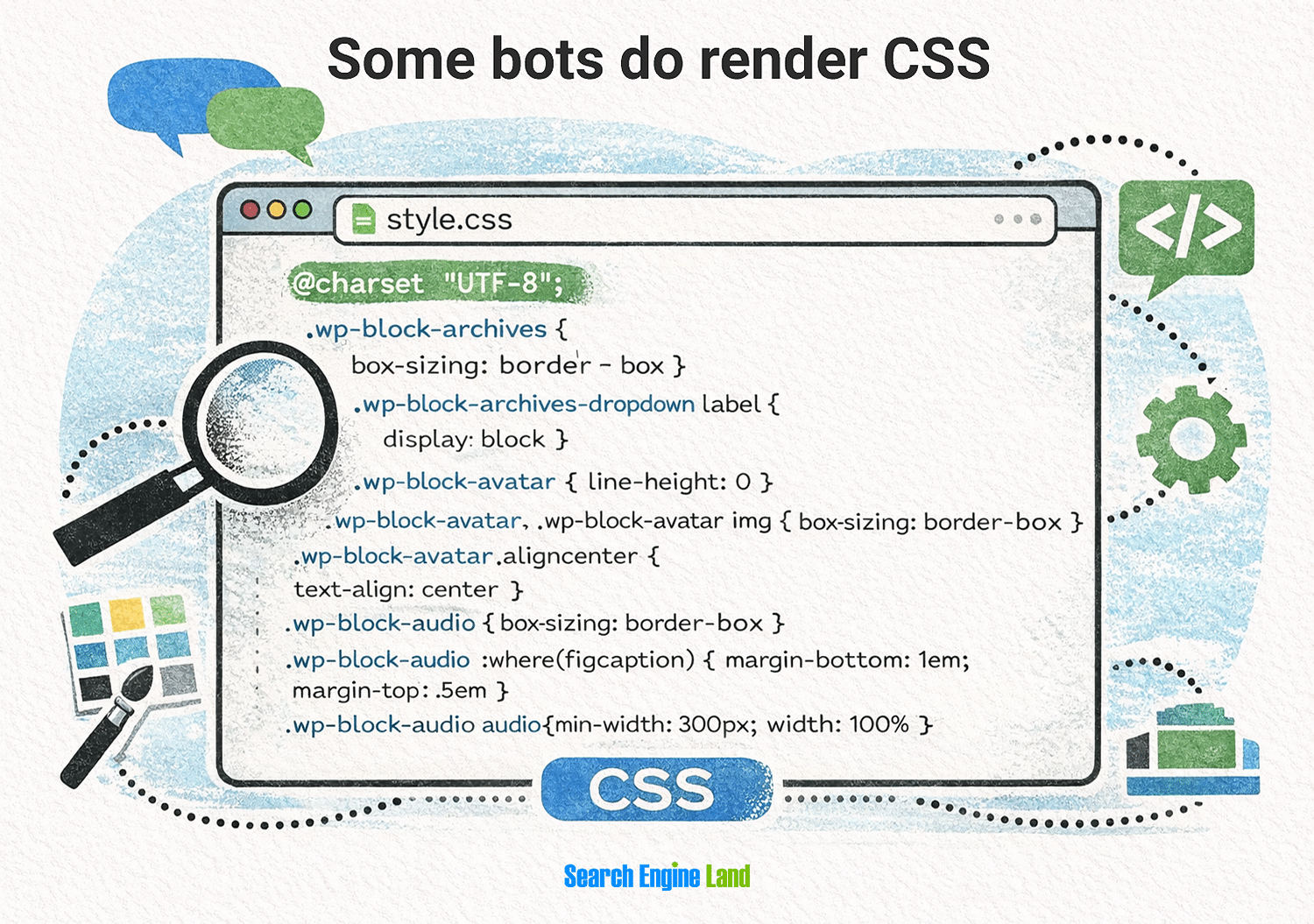
css
Credit: original article.
javascript
Credit: original article.
x grok status
Credit: original article.

Comments

Comments are published automatically. Links are not allowed inside comments.

Only your name, optional LinkedIn profile, and comment will be shown.